3Hats: App Store | Google Play

Delete Your 3Hats Account
If you would like to permanently delete your 3Hats account, follow the steps below.
Step 1
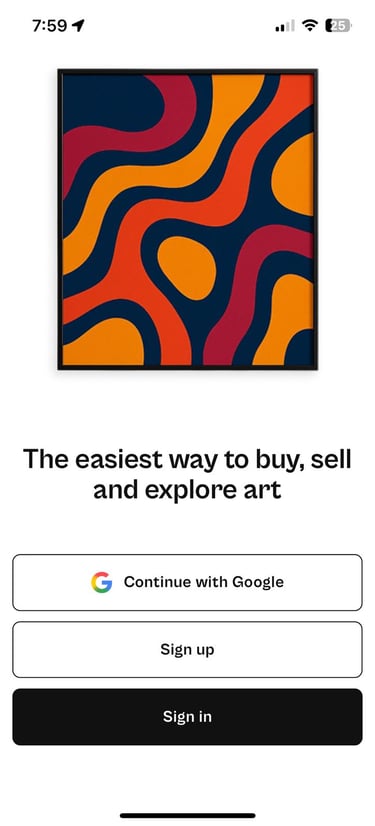
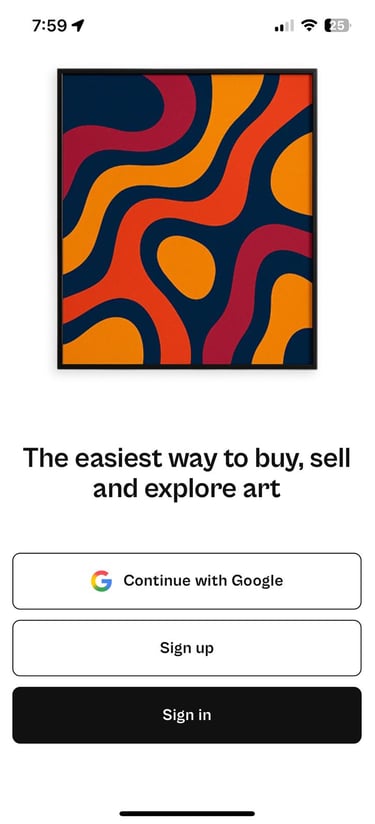
Sign in to the 3Hats app using the account you wish to delete.
Step 2
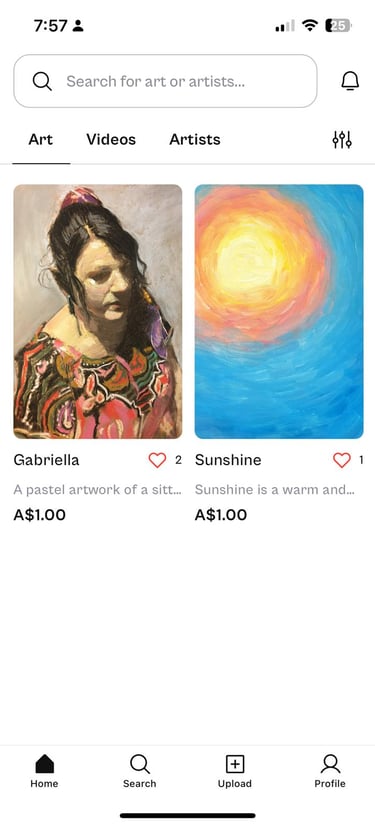
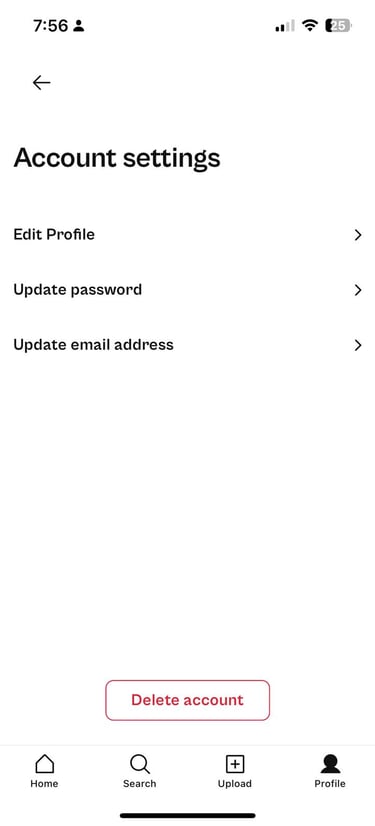
Tap Profile in the bottom right corner of the screen.
Step 3
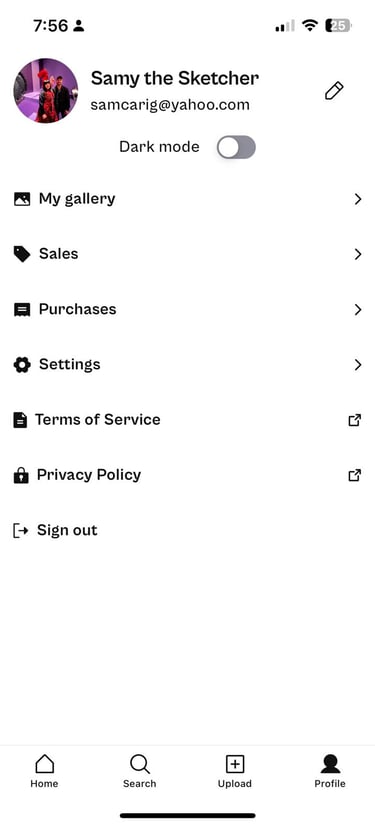
Tap the pencil icon (Edit Profile) in the top right corner next to your username.
Step 4
Scroll to the bottom of the screen and tap Delete Account.
Step 5
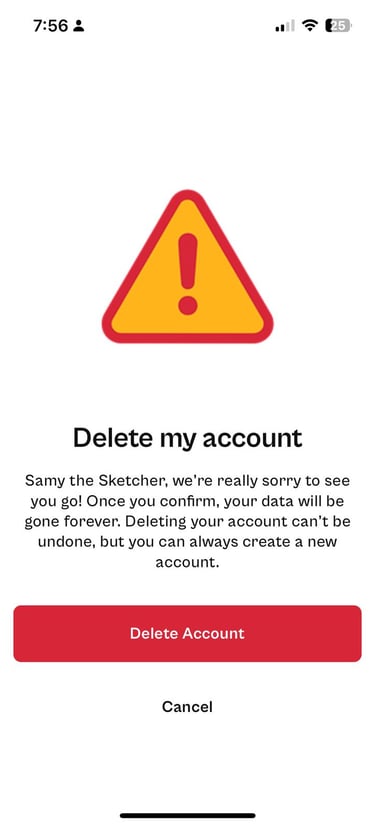
A confirmation message will appear.
Tap Delete Account to permanently remove your account.
⚠️ Important: Deleting your account permanently removes your profile and associated data from 3Hats. This action cannot be undone.
© 2025 3Hats Pty Ltd. ABN: 85 682 336 938. All rights reserved.
About 3Hats
Support & Policies
Connect
Helpful Tutorials
Community Guidelines