3Hats: App Store | Google Play

Once you’ve downloaded the Stripe app, follow the steps below.
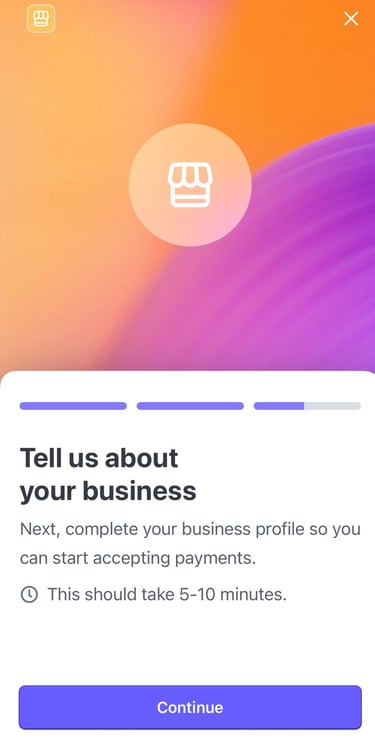
It usually takes about 5–10 minutes.


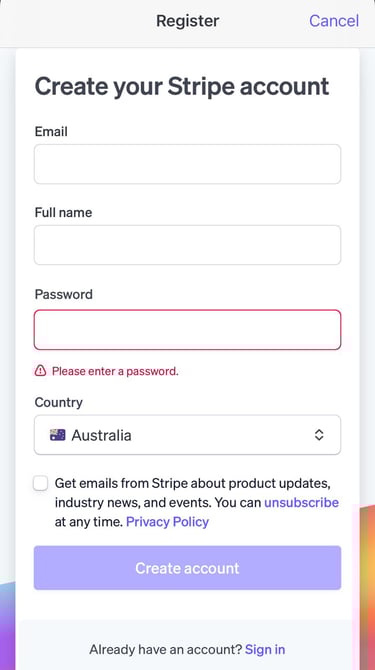
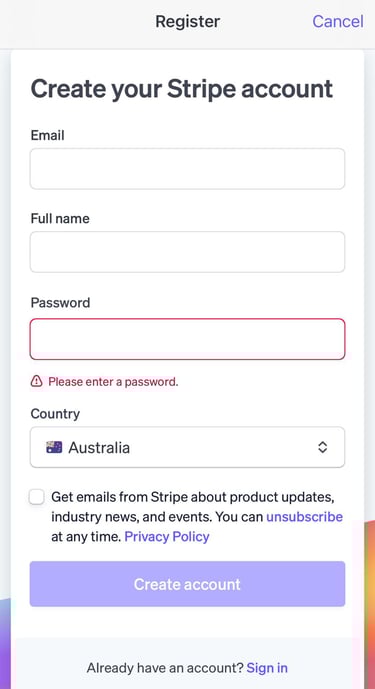
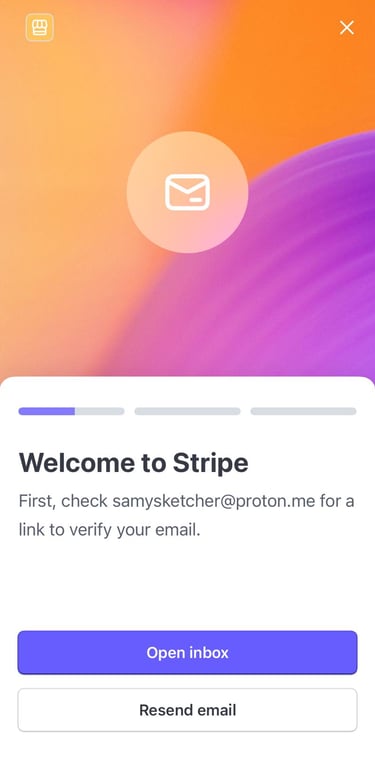
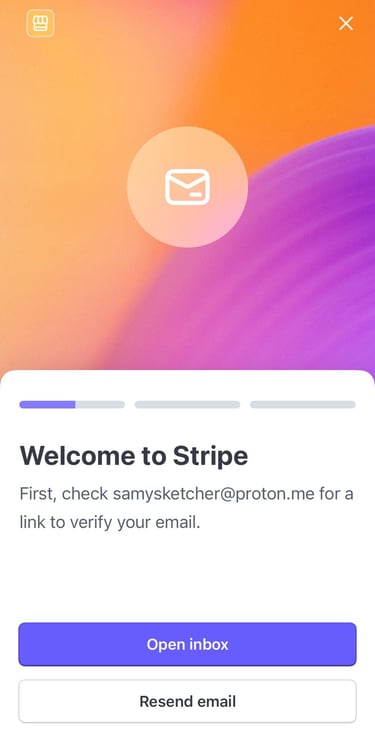
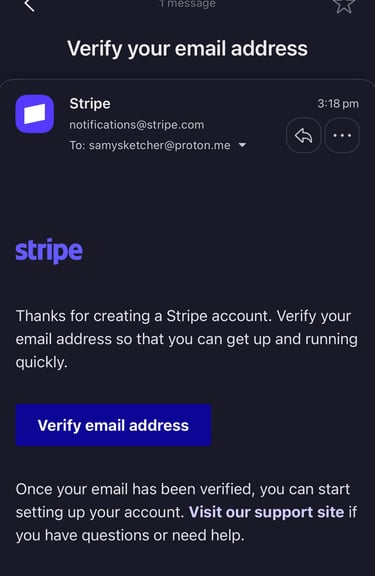
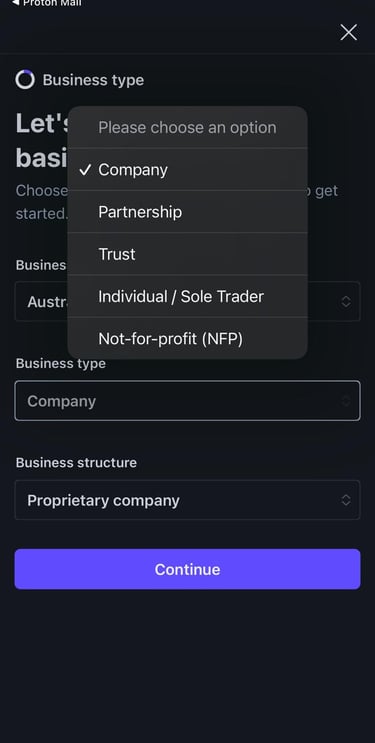
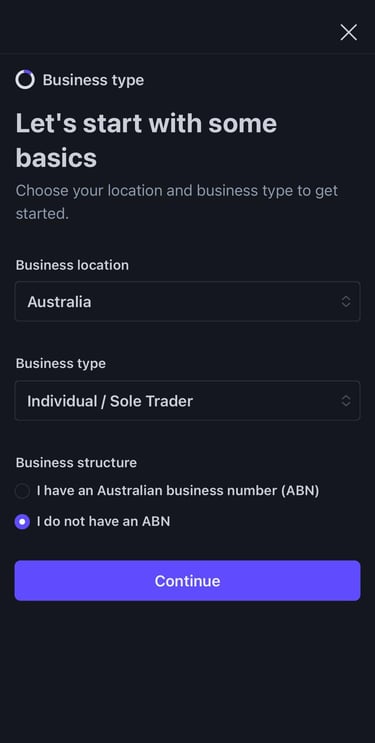
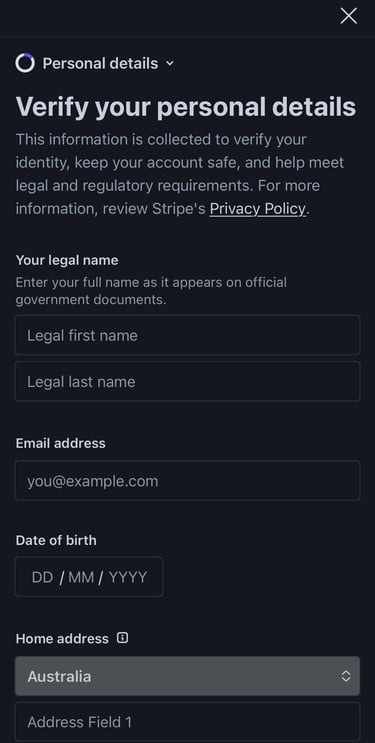
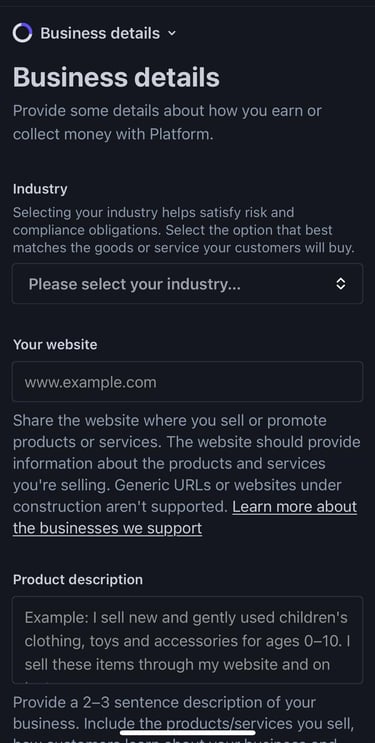

1. Hit create an account (if you haven’t already got one with Stripe).
2. Fill in the relevant details.
3. Open your chosen email/inbox and verify your email address.
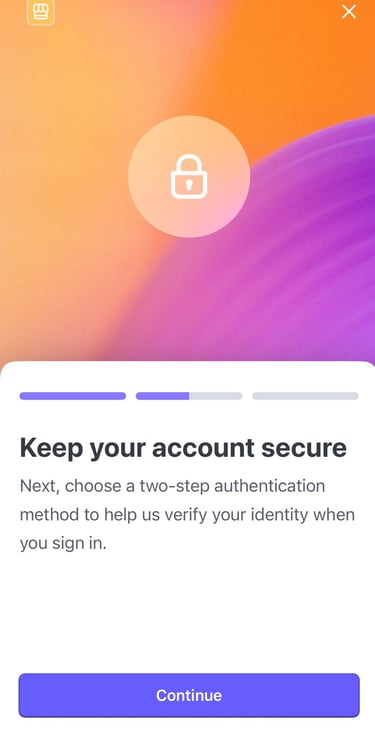
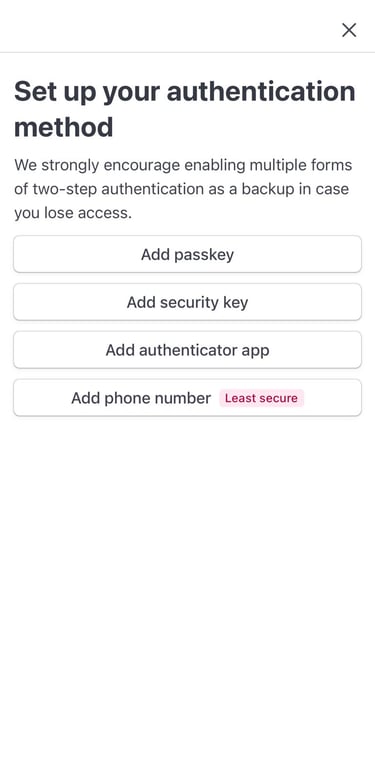
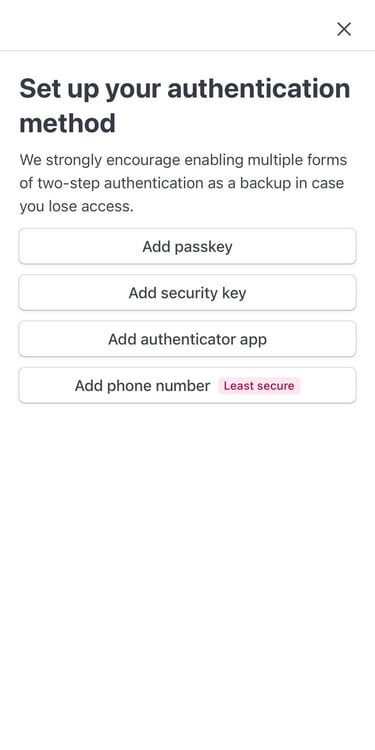
4. Hit continue once verified and choose at least two forms of authentication, passkey and Add phone number seem to be most popular but the choice is yours!
5. Hit Continue,
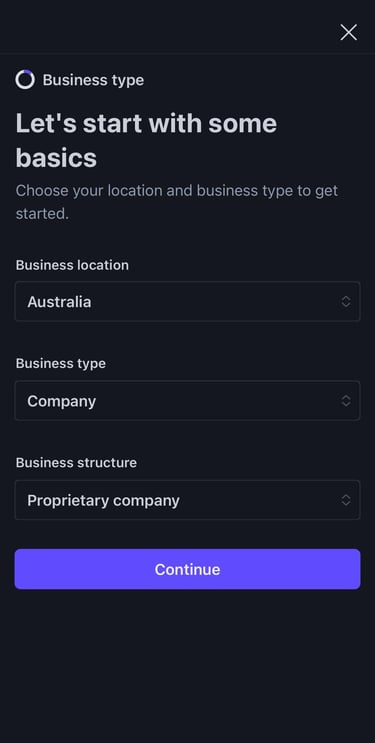
Most artists should choose Individual / Sole Trader.
This is right for you if:
You sell under your own name or artist name
You don’t have a registered Pty Ltd
You’re getting paid as a person
Choose something else only if:
Company → you have a registered Pty Ltd (ACN)
Partnership → you legally run a business with someone else
Trust / Not-for-profit → uncommon for selling artwork
If you’re unsure, choose Individual / Sole Trader — you can update this later in Stripe.
6. Enter your relevant details….
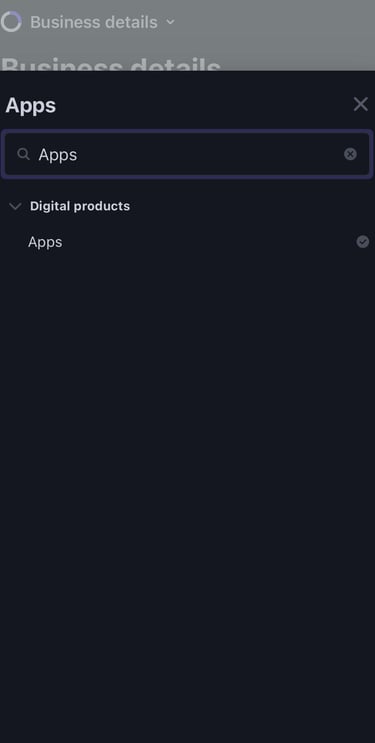
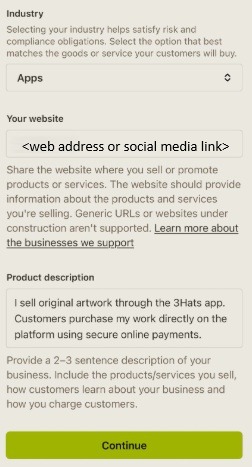
Under industry look for Digital Products > Apps. This covers artists selling digital work, physical art, or both, since payments are processed online.
Stripe asks for this to verify your account to ensure they know it is you.
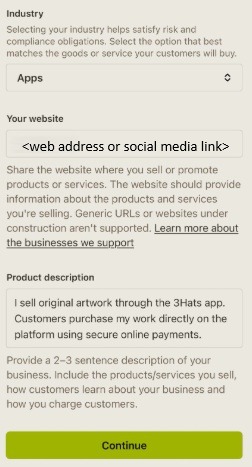
If you don’t have your own website, you will at least need some sort of social media link for Stripe to connect to.
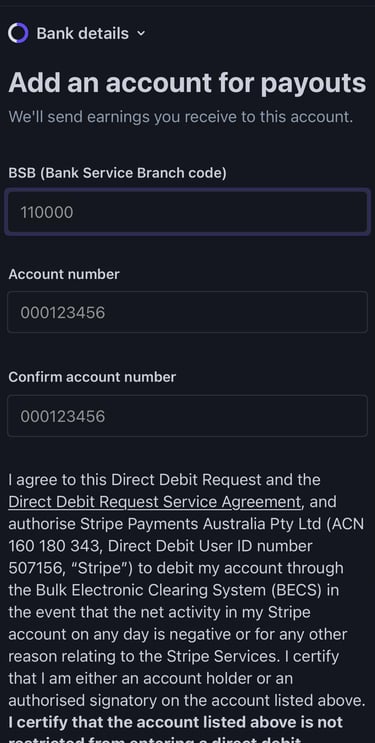
7. Enter the bank account you want your earnings to go to.
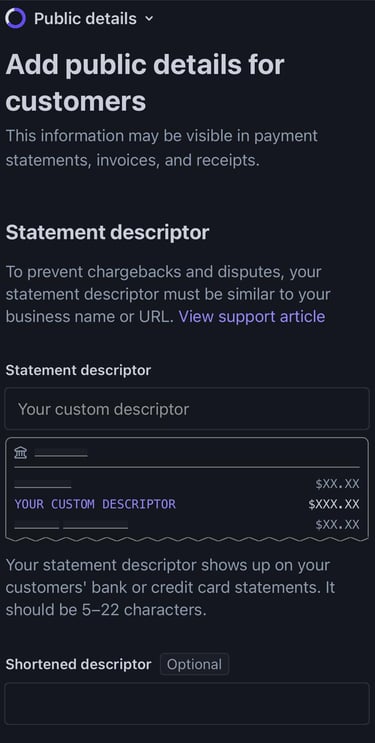
8. Statement descriptor
This is the name buyers will see on their bank or credit-card statement.
Enter your artist name or studio name, exactly as it appears on your 3Hats profile
(5–22 characters, letters and numbers only).
Example:
JOHNDOEART
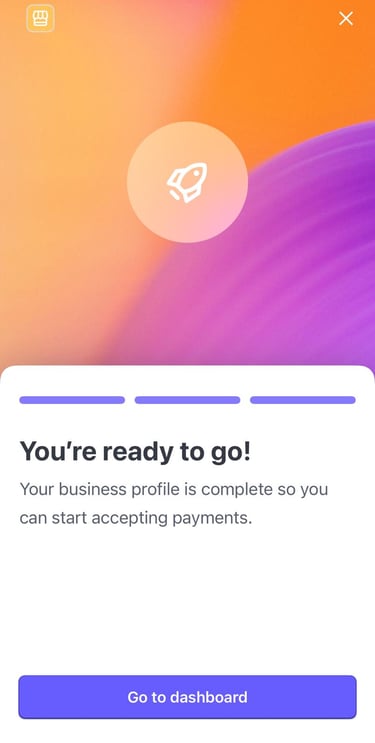
9. Review your details and then hit agree and submit. You will then be able to navigate your Stripe dashboard and are almost ready to start selling on 3Hats!
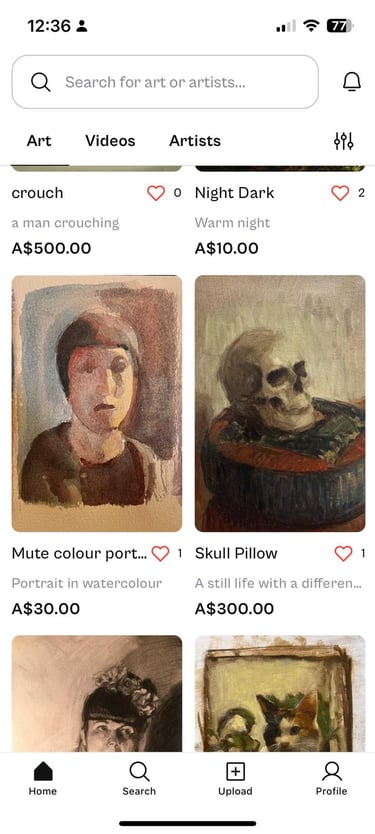
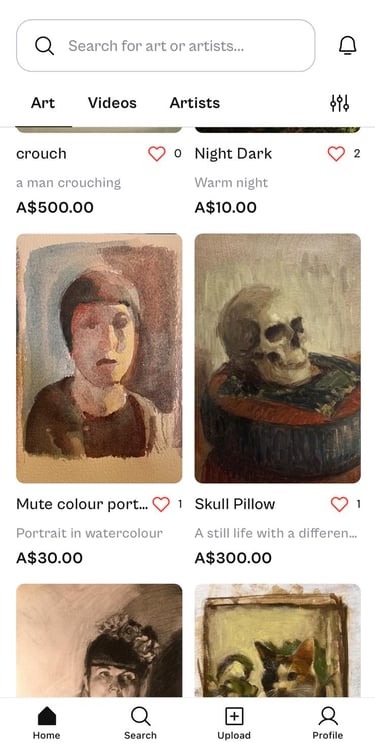
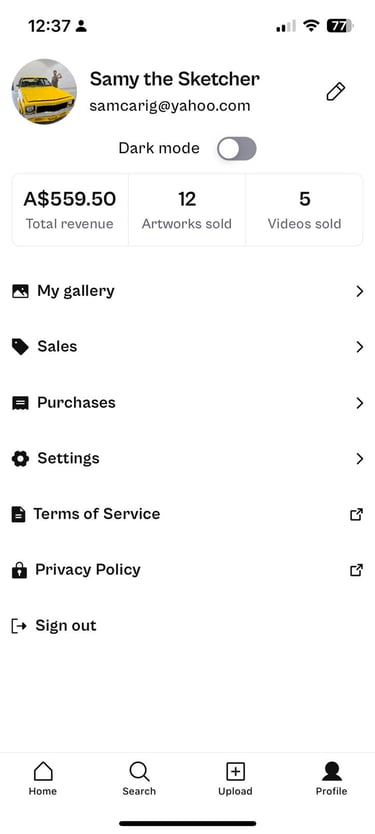
1. Log in to 3Hats and hit 'Profile'
2. Now press 'Settings'
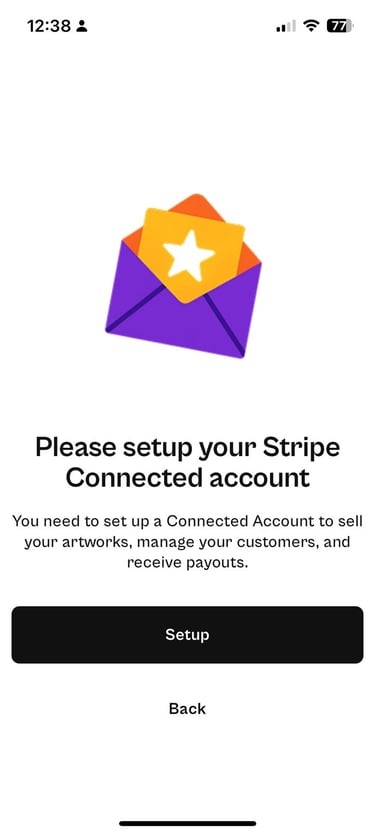
4. Hit 'Setup'
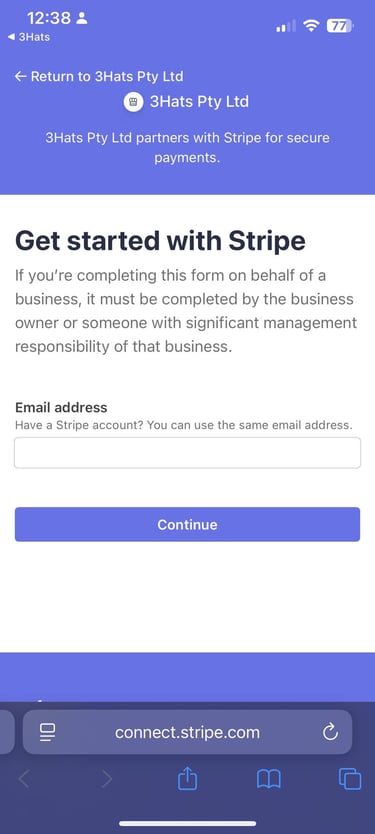
5. Enter your Stripe credentials ie Stripe account email address/password and follow the prompts. You will then be redirected to 3Hats app and you are ready to start selling on 3Hats!
Now let's connect 3Hats to your Stripe account
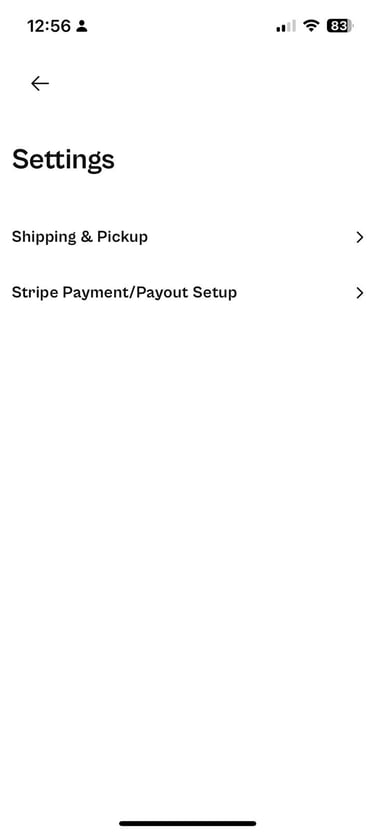
3. Select 'Stripe Payment/Payout Setup'
© 2025 3Hats Pty Ltd. ABN: 85 682 336 938. All rights reserved.
About 3Hats
Support & Policies
Connect
Helpful Tutorials
Community Guidelines